Rogue Eclipse System Requirements
Know whether your PC can keep swarms readable at launch.
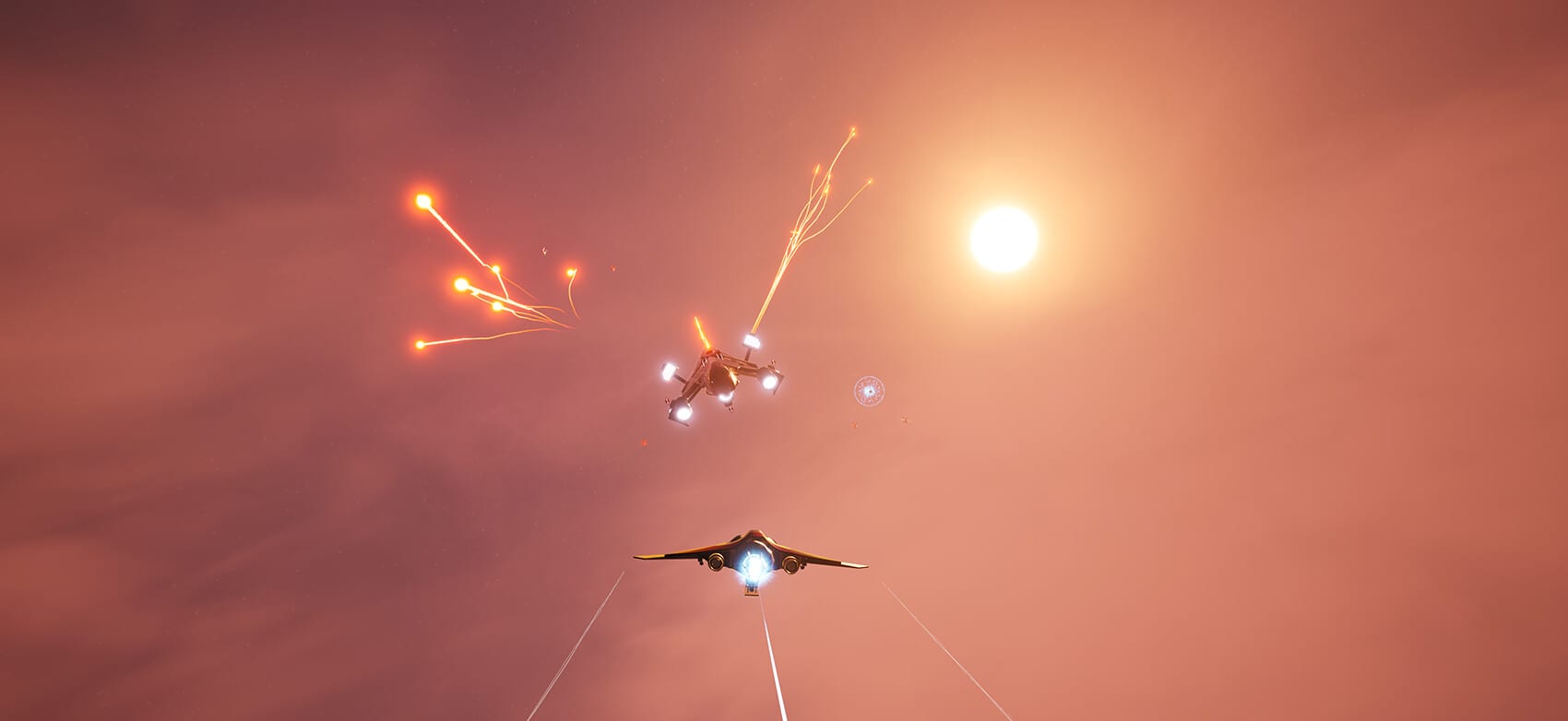
Arcade aiming dies when frame time spikes. Before you blame weapon loadouts or combat and survival advice, confirm your machine against Rogue Eclipse system requirements published on Steam. Specs below reflect store data for the game/demo family and may be patched—recheck Steam near August 7, 2026.
Minimum requirements (Windows)
| Component | Spec |
|---|---|
| OS | Windows 10 (64-bit) |
| CPU | Intel i3 / i5-2300 or AMD Ryzen 1600X equivalent with recommended GPU class |
| RAM | 8 GB |
| GPU | NVIDIA GeForce GTX 1060 6GB / AMD RX 580 8GB |
| DirectX | Version 12 |
| Storage | 4 GB available space |
| Sound | DirectX 11 sound device |
| Notes | 1080p 60 FPS target on ultra performance mode; DX12 may need lower settings; SSD recommended |
Recommended requirements (Windows)
| Component | Spec |
|---|---|
| OS | Windows 10 (64-bit) |
| CPU | Intel Core i5-10400F or AMD Ryzen 5 3600X |
| RAM | 16 GB |
| GPU | GTX 1080 8GB / RX 580 8GB / RTX 3060 12GB / RX 6700 XT |
| DirectX | Version 12 |
| Storage | 6 GB available space |
| Notes | SSD recommended |
Platforms beyond desktop Windows
Steam pages emphasise Windows for the main client. Demo materials also mention SteamOS/Steam Deck-oriented notes and Steam Deck compatibility language. Treat Deck play as promising but verify personally: stable frame time matters more than max shadows. Linux desktop players following Proton should consult community reports after launch and keep expectations flexible.
Mac minimum/recommended blocks on the store snapshot reviewed for this wiki were empty—do not assume a Mac release.
Performance hygiene checklist
- Install on SSD if available.
- Cap frame rate to a stable number your display can hold.
- Lower post-processing before cutting resolution if readability matters for swarms.
- Close overlays that hitch during boost sequences.
- Re-test after GPU driver updates near launch.
Input and comfort on modest hardware
Full controller support helps on living-room PCs and Deck. See gamepad controls. Mouse players on low-end GPUs should keep sensitivity moderate so hitching does not feel like aim assist failing—see keyboard controls.
Linking specs to play plans
If you pass recommended specs, jump to Getting Started and the demo walkthrough. If you only meet minimums, practise on lower demo difficulties first and avoid judging behemoth interiors until frame pacing settles—see how to beat behemoths. Confirm calendar details on release date and platforms and compare demo scope on demo vs full game.
Requirements are a gate, not a skill. Clear the gate, then learn the void.
Settings first aid
If you meet minimums but aim still stutters, cut shadows and expensive post effects before you cut resolution to a blur. Readable enemy silhouettes matter more than reflective floors in swarm fights. Cap FPS to a stable number; a locked 60 often teaches better than an unstable 90. Disable overlapping overlays that hook the same hotkeys you use for boost.
Storage and install hygiene
Leave free space beyond the listed 4–6 GB so shader caches and Steam updates do not choke mid-patch on launch week. Prefer SSD installs for behemoth interior streaming. Move the demo to the same drive you will use for the full game to reduce surprise migration delays on August 7.
Deck and living room notes
On Steam Deck or couch PC sessions, prioritise gamepad controls, medium presets, and comfortable UI scale. Remote Play on TV is listed among Steam features—test latency before a serious practice block. If Deck performance disappoints, do not generalise that result to a desktop that meets recommended specs.
When hardware is the real boss
If fights feel unfair only when frame time spikes, stop rewriting weapon loadouts and fix the machine. Hardware honesty is part of skill expression in arcade games. Return to Getting Started only after the ship moves when you tell it to.
Frequently Asked Questions
Quick answers pilots ask before and after each run.
Can a GTX 1060 run Rogue Eclipse?
It matches the listed minimum GPU class. Expect to use performance-oriented settings for stable 1080p.
How much storage do I need?
Steam lists about 4 GB minimum and 6 GB recommended available space—leave headroom for updates.
Is Steam Deck supported?
Demo store text references Steam Deck compatibility. Verify performance yourself after install.
Will specs change at launch?
Possibly. Always recheck the Steam store page near August 7, 2026.